← Work

Products and experiments

Interactive learning, camera software, media tools and games. Explore what I built and try the public apps.

I founded and run Vriksh, the Canadian software studio behind these products.

Selected products

Learning and software products I develop through Vriksh.

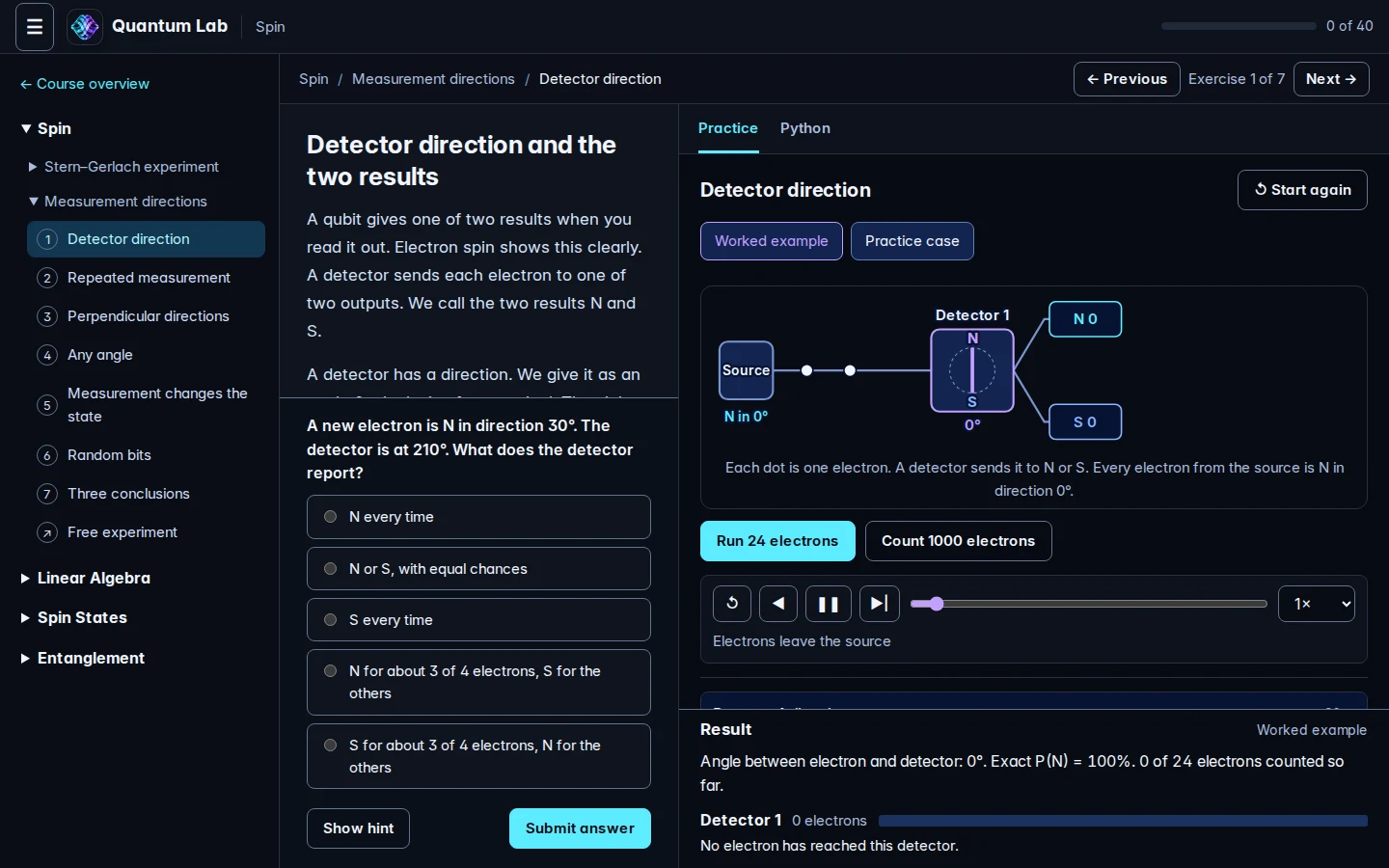
Quantum Lab spin exercise with prediction choices, a detector model and measurement counters

Spin measurement practice: predict an outcome, run electrons and compare the counters.

Public course

Quantum Lab

Learn quantum computing through visual experiments and guided exercises in spin, linear algebra, qubit states and entanglement.

Open in your browser

I built the lesson player, interactive models and practice workflow through Vriksh.

The browser exercises use simulations. Start with basic arithmetic and ordered pairs.
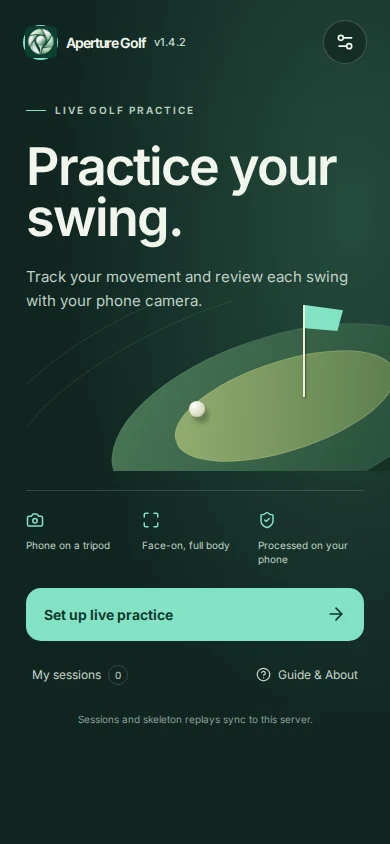
Aperture Golf swing analyzer home screen with practice setup and saved sessions

Aperture Golf swing analyzer: practice setup and saved sessions.

Experimental

Aperture Golf

Practise with a face-on camera, track body movement and review saved swing summaries and skeleton replay.

Browser swing analyzer

I built the camera pipeline, pose tracking, session storage and skeleton replay through Vriksh.

Swing detection and timing estimates remain experimental. Body tracking runs in your browser; the server stores summaries and skeleton clips.

Play a 3D round in your browser: aim, choose a club and set shot power. Open Golf Simulator ↗

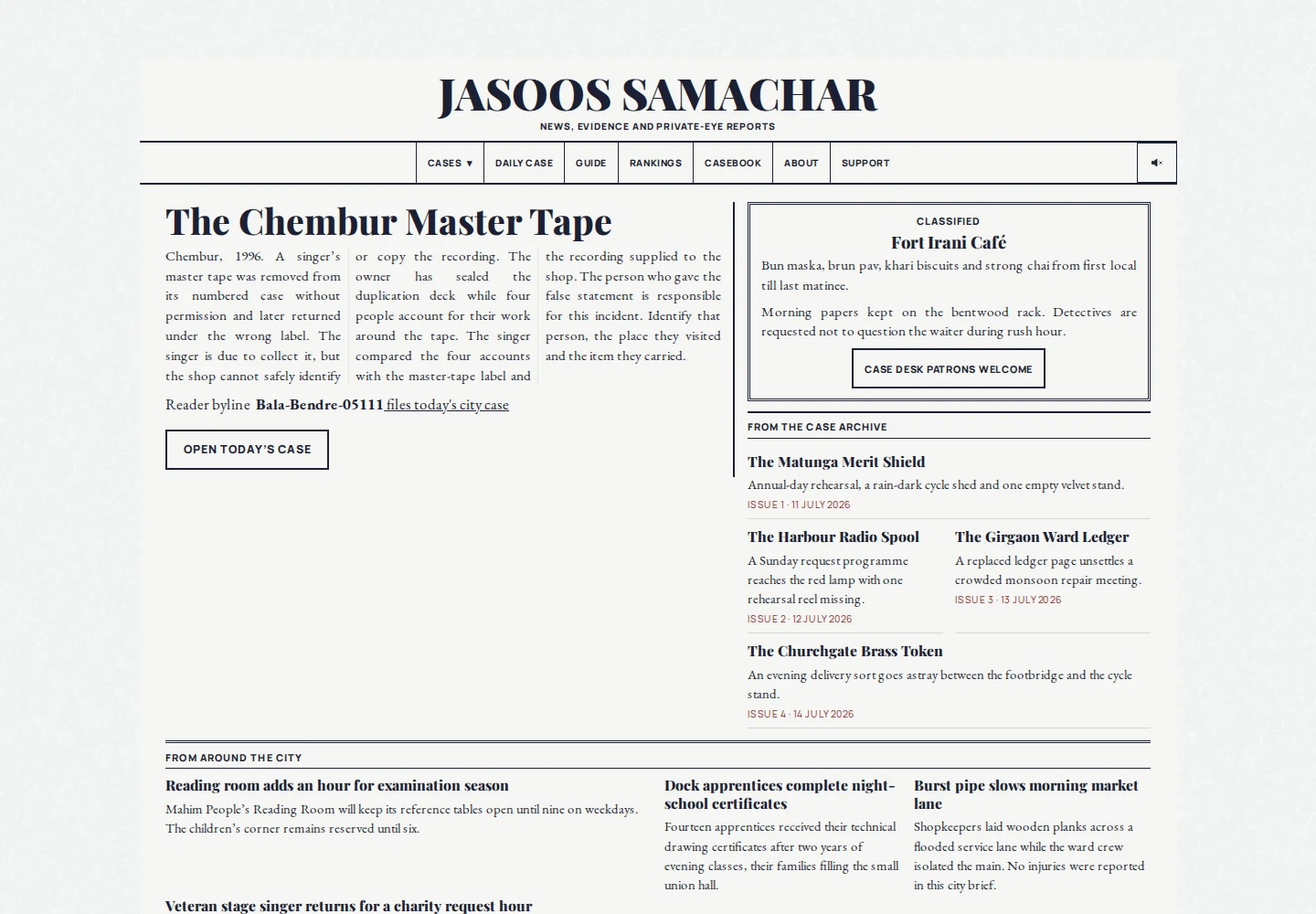
Jasoos Samachar newspaper showing a Mumbai case and its reports

Jasoos Samachar: a Mumbai newspaper issue and its case reports.

Public website

Jasoos

Investigate a Mumbai newspaper case. Read the reports, connect clues and submit a deduction at the case desk.

Browser deduction game

I built the newspaper interface and puzzle services and developed the case content through Vriksh.

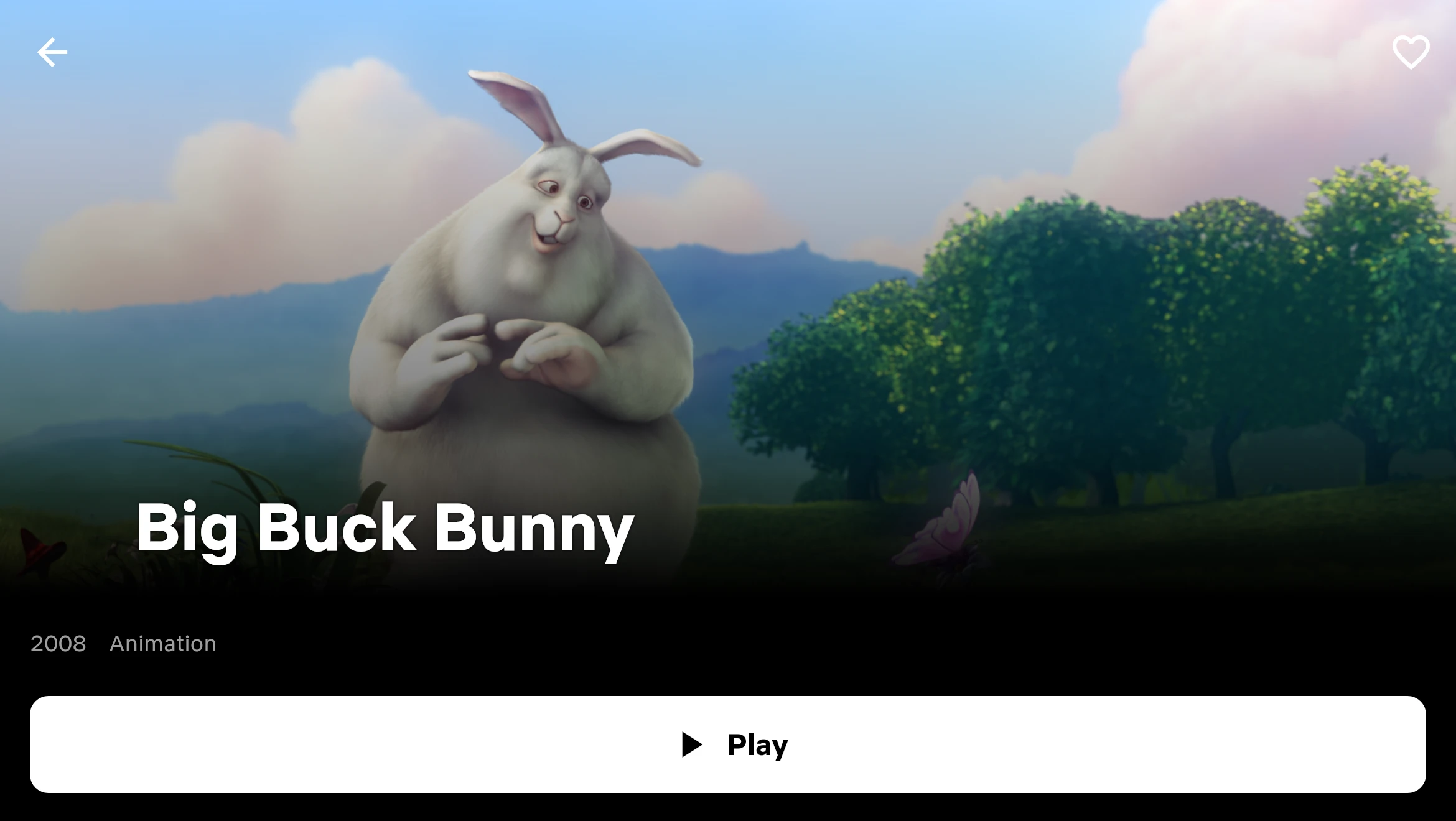
Big Buck Bunny film details and Play control in Velvet

Film selection with demonstration content. Artwork: Big Buck Bunny, © Blender Foundation, CC BY 3.0; cropped in the player.

Active development

Velvet IPTV Player

Browse live channels, films and series from an existing Stalker Portal or Ministra service.

Product website & setup

I develop the Flutter player, catalogue synchronization and device-linking portal through Vriksh.

Bring a compatible provider subscription. Channel availability and playback depend on the provider.

Public Git 101 lab

Git fundamentals

  1. Create a repository
  2. Create a feature branch
  3. Open a pull request

Example tasks from the public lab registry.

Early access

Vriksh Cloud

Define technical labs in Git with learner tasks and completion checks. Explore the public Git lab definitions and hosted platform.

Public lab registry; hosted early access

I maintain the lab registry and develop the container-based lab platform through Vriksh.

Hosted sessions are in early access. An installable runtime is planned.

Games

Explore puzzle and gameplay systems in the browser.

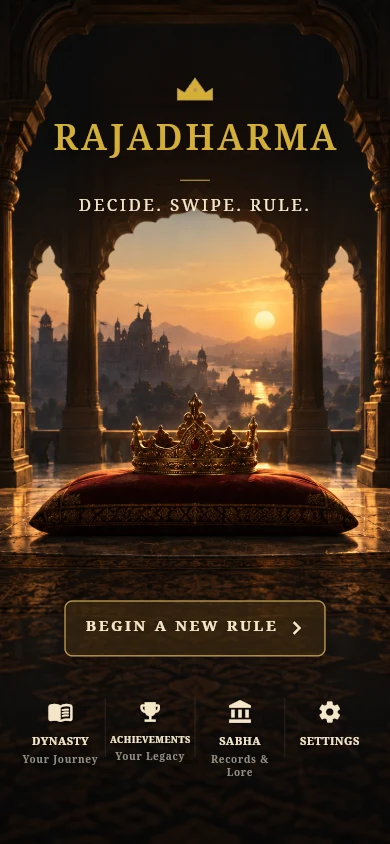
Rajadharma home screen with a crown and navigation for a new reign and dynasty

Rajadharma’s browser game home screen.

Play in your browser

Rajadharma

Rule a mythic Indian kingdom through court decisions. Keep Dharma, Artha, Shakti and Praja in balance to continue your reign.

Browser strategy game

I develop the Flutter game, decision rules, save system and localized card decks through Vriksh.

Browser progress stays on the device and browser you use.

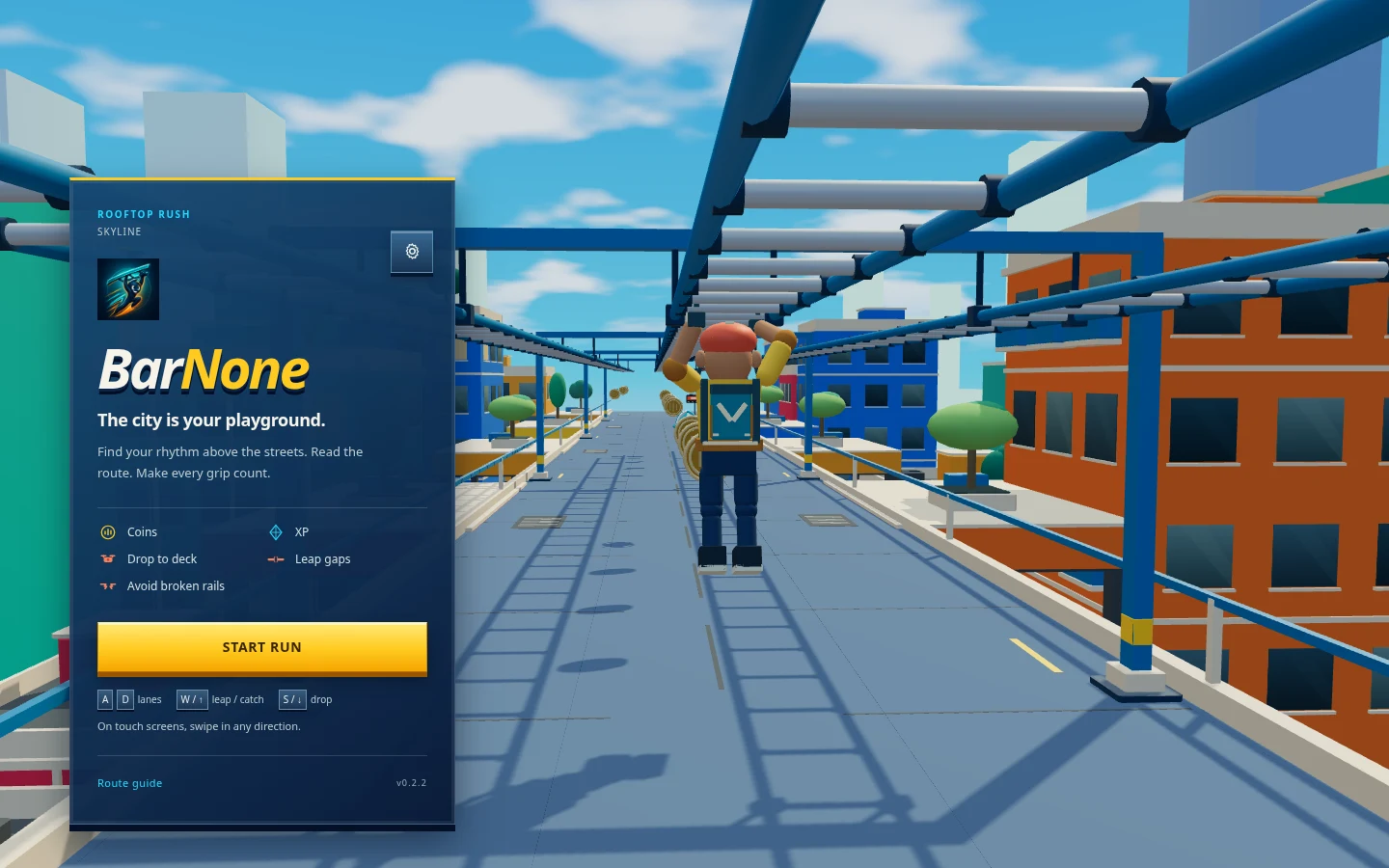
Bar None rooftop runner start screen and keyboard controls

Bar None’s live browser game.

Play in your browser

Bar None

Swing across rooftop lanes, collect coins and dodge gaps and drones in a 3D browser runner.

WebGL browser game

I built the Three.js gameplay, procedural routes, character animation and keyboard and touch controls through Vriksh.

Use a WebGL-capable browser. Play with keyboard or swipe controls.

Experiments

Work in development, with access and demonstration limits stated.

In development

CallRenard

Collect caller responses and prepare a summary for the person following up.

Demo by arrangement

I develop the call state machine, telephone integration and summary formatter through Vriksh.

  • Disclose the automated assistant and request recording consent
  • Collect keypad responses to a configured sequence of questions
  • Format the captured answers for follow-up

The example demonstrates the summary formatter. A live call, message delivery and customer integration require a separate demonstration. Contact Vriksh to arrange a demonstration.

Small tools

Focused utilities, with source and build instructions.

Build from source

Caffeinate-d

A Swift macOS menu-bar utility that starts and stops the display-awake command.

Source version 0.2.0

I built the native menu-bar interface and local process controls.

Build with Xcode. A packaged download is not available.

More from Vriksh

Explore Card Stacks, TriviaX Club and the full studio catalogue.

Browse all Vriksh apps ↗